iPhone 17 Update Tracker: Every iOS Update and New Feature
A running tracker of every iOS update the iPhone 17 has received, from launch-day iOS 26 to the current 26.5.2, plus what iOS 26.6 and iOS 27 will bring.
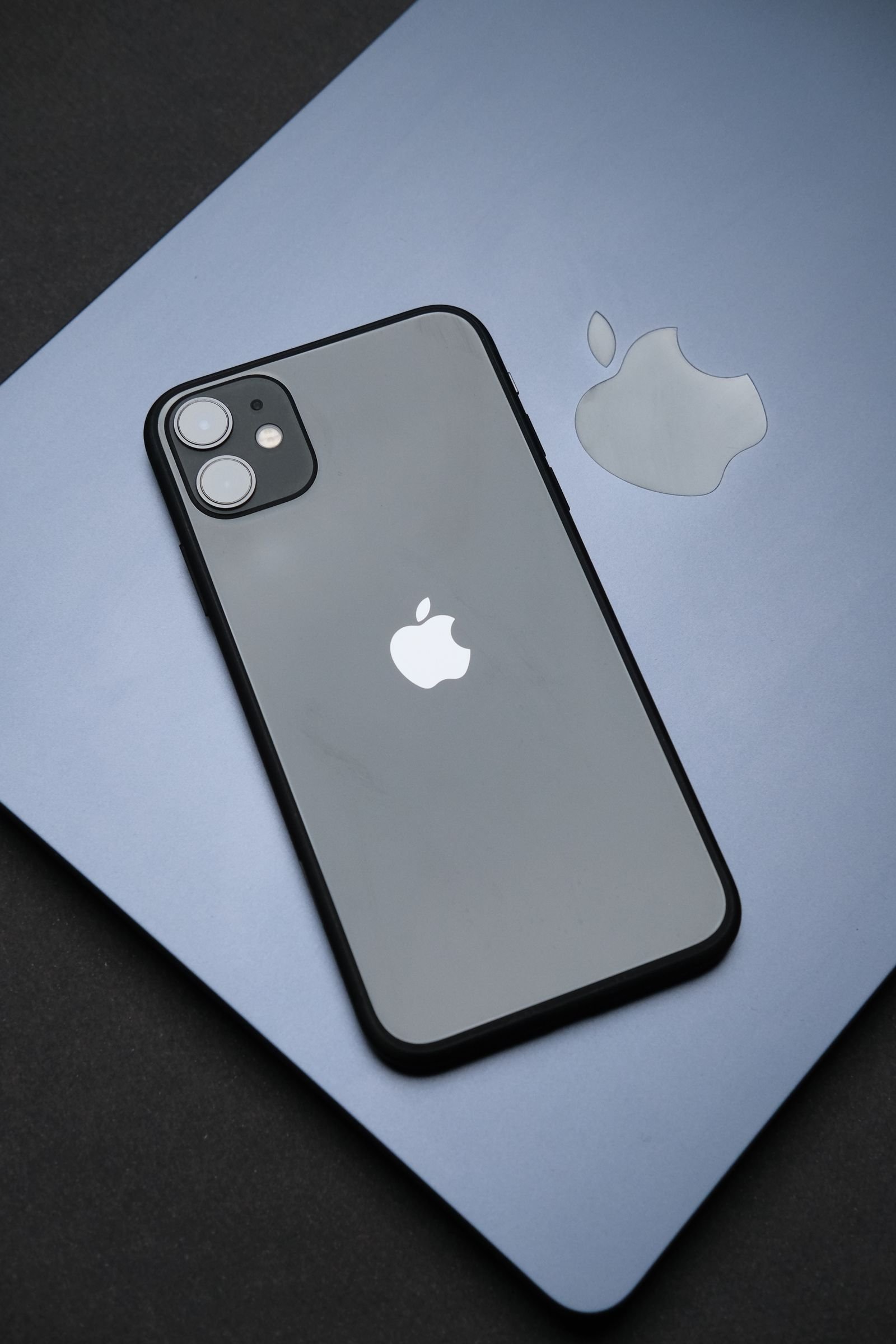
Quick answer first: as of July 2026, the current software for the iPhone 17 lineup is iOS 26.5.2, released in early July as a security-focused update, and iOS 26.6 is expected around July 27. If your iPhone 17 is on anything older than 26.5.2, update now. It patched a pile of actively relevant security holes and it’s a small, quick install.
This page is our running tracker for every update the iPhone 17 has received since launch, what each one actually changed, and what’s coming next. Bookmark it, because we update it as Apple ships new versions. And if you’re still deciding whether to buy the phone in the first place, that’s a different question, covered in our iPhone 17 overview of Apple’s big release and our look at whether the iPhone 17 Pro Max is worth its price.
Every iOS update the iPhone 17 has received
The iPhone 17 family shipped in September 2025 with iOS 26 out of the box, so its whole life has been lived on the 26.x train. Here’s the full history, newest first. We’ve run every one of these on our own iPhone 17 and 17 Pro review units, so the notes below are from actual use, not just Apple’s changelogs.
| Version | Released | What it brought |
|---|---|---|
| iOS 26.6 | Expected late July 2026 | Bug fixes, Spotlight index optimization to prepare for iOS 27, new alert when you block a large number of contacts |
| iOS 26.5.2 | Early July 2026 | Security-only release with roughly 25 to 30 patches, pushed out early to get ahead of AI-assisted attacks |
| iOS 26.5.1 | June 2026 | Small fix round, including a charging bug that affected iPhone 17 and iPhone Air models |
| iOS 26.5 | May 11, 2026 | Bug fixes and security patches, no headline features |
| iOS 26.4 | Spring 2026 | Apple Intelligence improvements and groundwork for the next-generation Siri, plus quality-of-life fixes |
| iOS 26.3 | Early 2026 | Stability round after the holidays, security patches, minor feature tweaks |
| iOS 26.2 | December 2025 | Liquid Glass transparency slider on the Lock Screen, Sleep Score in Health, AirDrop one-time codes, faster on-device AI |
| iOS 26.1 | November 2025 | Tinted (less transparent) Liquid Glass option, slide-to-stop alarms, Apple Intelligence in more languages |
| iOS 26.0.1 | Late September 2025 | First patch: fixed Wi-Fi and Bluetooth dropouts and a camera artifact bug specific to the iPhone 17 models |
| iOS 26.0 | September 2025 | Launch software: Liquid Glass redesign, Live Translation, revamped Phone and Messages apps, Adaptive Power mode |
A quick note on the early days: like most new iPhones, the 17 had a slightly bumpy first month (that 26.0.1 Wi-Fi fix was sorely needed), but since roughly iOS 26.2 the experience has been impressively stable. If you’ve been holding off on updates out of caution, there’s no longer a good reason to.
How to update your iPhone 17 safely
Updating is low-drama these days, but a few habits save you from the rare disaster:
- Back up first. Settings, your name, iCloud, iCloud Backup, Back Up Now. Or plug into a Mac and back up in Finder if you want a local copy.
- Update over Wi-Fi with decent battery. Plug in, or be above 50 percent. The install itself usually takes 10 to 20 minutes on an iPhone 17.
- Go to Settings, General, Software Update and tap Update Now. If you like being a version behind on big releases, turn off automatic updates and install point releases manually.
- Don’t skip security updates. Releases like 26.5.2 exist because real attacks exist. Keeping iOS current is genuinely the single best security measure on an iPhone; it does more for you than any app you could install, and we explain why in our piece on whether iPhones need antivirus.
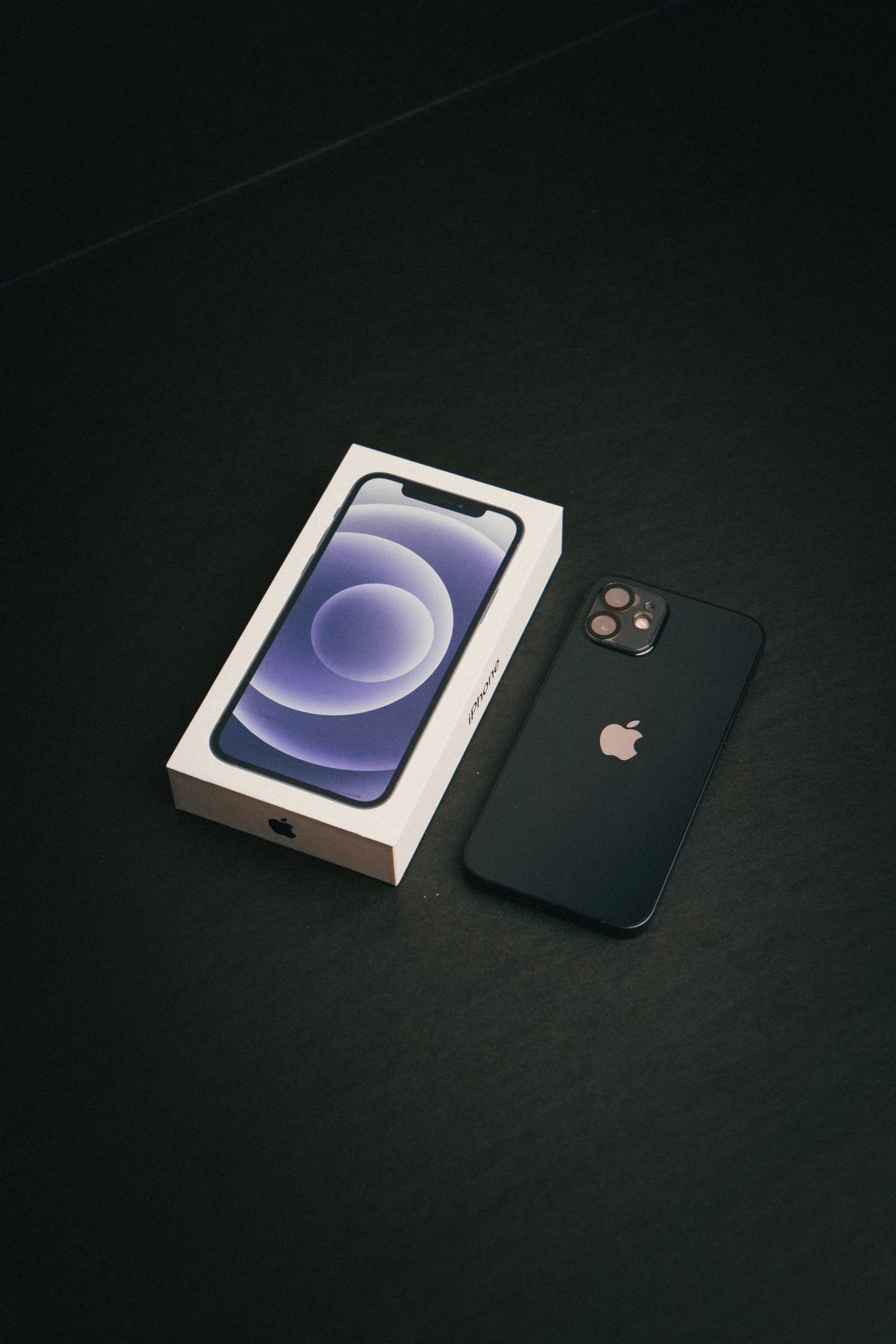
Battery and performance after updates: what we’ve seen
The eternal question: “did the update kill my battery?” Here’s the honest picture from months of living with these updates on iPhone 17 hardware:
- The first 24 to 48 hours after any update are misleading. Your iPhone re-indexes Spotlight, re-analyzes photos, and reruns background tasks. Battery drain during that window is normal and settles down.
- iOS 26.0 launch software was the roughest patch. Early adopters (us included) saw noticeably faster drain in the first weeks. Apple attributed it to post-update indexing plus the new visual effects, and 26.0.1 and 26.1 largely sorted it.
- Adaptive Power is worth enabling. It’s the iOS 26 feature that trims background energy use when your day looks battery-heavy. On our iPhone 17 it adds a real, if modest, cushion by evening.
- Since 26.2, battery life has been flat or slightly better with each release. Nothing since has regressed it in our testing, and 26.5.x has been rock solid.
If your battery still seems worse weeks after an update, check Settings, Battery for a misbehaving app before blaming iOS. Nine times out of ten it’s an app, not the update.
What’s next for the iPhone 17
Two things are on the horizon:
- iOS 26.6, expected around July 27, 2026. Mostly maintenance: bug fixes, performance work, that Spotlight optimization that quietly preps your phone for iOS 27, and a new alert around blocked contacts. Not exciting, still worth installing promptly.
- iOS 27, coming this fall. Apple previewed it at WWDC in June, and the iPhone 17 will get essentially the full feature set since it’s only one generation old. The headliners are the next wave of Apple Intelligence features and the long-promised smarter Siri, which Apple has been rolling out gradually with help from a custom Google Gemini model on the backend. Expect the public release in September 2026, alongside the iPhone 18 launch.
The good news for iPhone 17 owners: you’re nowhere near the end of the support runway. Based on Apple’s track record, the iPhone 17 should see major iOS updates into the early 2030s. For a refresher on what the current OS can already do (there’s a lot people miss), our full iOS 26 features guide is the place to start.
FAQ
What is the latest update for the iPhone 17?
As of late July 2026, the latest shipping version is iOS 26.5.2, a security-focused release. iOS 26.6 is in final beta and expected to land around July 27, 2026.
Will the iPhone 17 get iOS 27?
Yes, and it will get virtually every feature. The iPhone 17 is barely a year old and comfortably clears the hardware requirements for everything Apple has announced for iOS 27, including the new Apple Intelligence features.
Should I install updates right away or wait?
Install security updates (like 26.5.2) immediately. For bigger point releases, waiting a few days while early adopters shake out bugs is reasonable, but don’t wait weeks. And always back up first either way.
Why does my iPhone 17 feel warm and drain faster right after updating?
That’s post-update housekeeping: re-indexing, photo analysis, and app optimization running in the background. Give it a day or two on charger-friendly terms and it settles back to normal. If it doesn’t, check per-app battery usage in Settings.