DaVinci Resolve System Requirements by Version (16, 17, 18, 19, 20)
Every DaVinci Resolve version's requirements in one table: minimum macOS, RAM, GPU, and exactly where Intel Mac support ends (20.3.x). Plus the best version to run on whatever old Mac you've got.
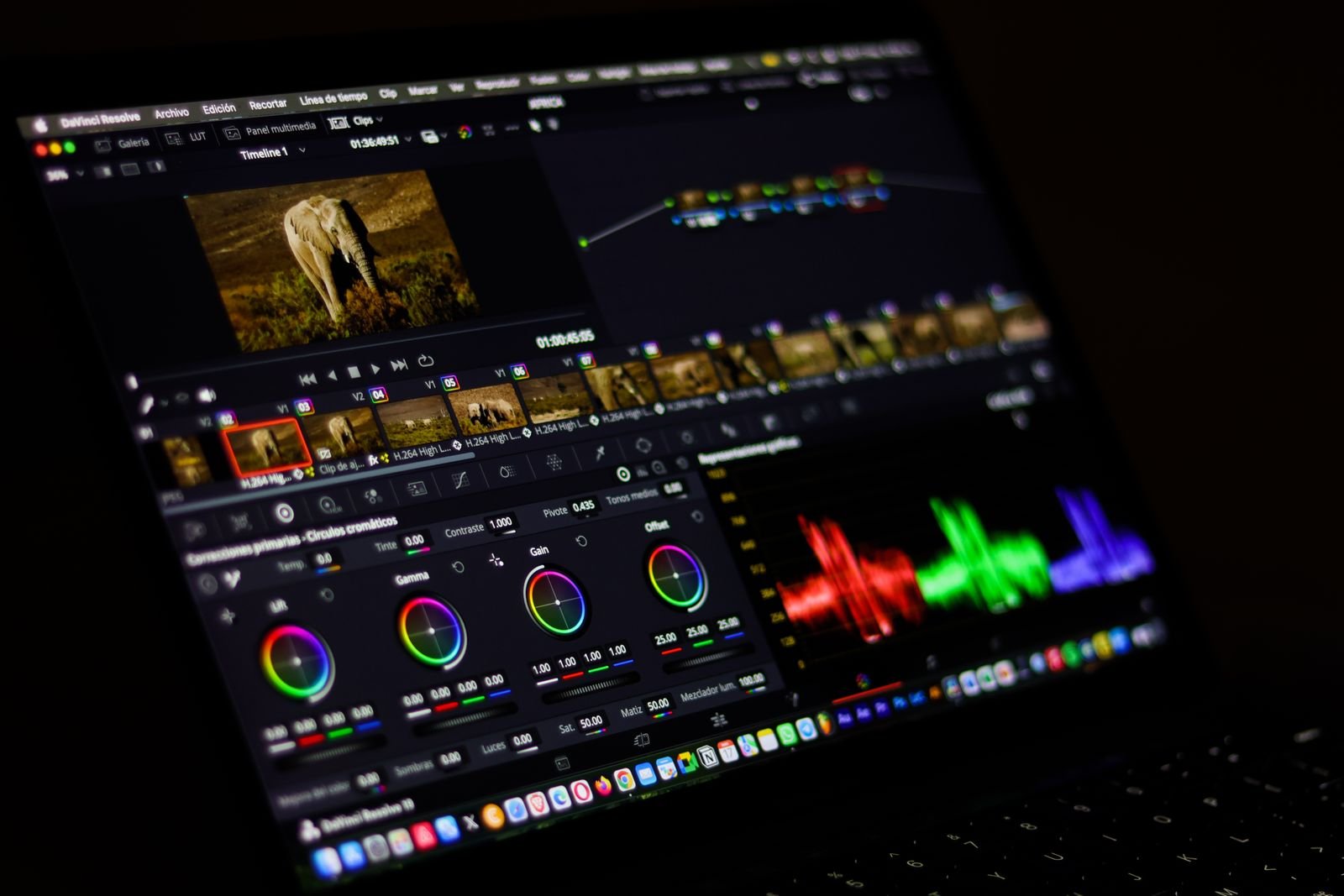
Looking for the system requirements of a specific DaVinci Resolve version? Here’s the whole history in one table, from Resolve 16 through the current Resolve 21, with the macOS minimums, RAM, GPU needs, and (the thing most people are really asking) exactly when Intel Mac support ended.
The headline for 2026: Resolve 21 requires an Apple Silicon Mac and macOS 15 Sequoia or later. Intel Macs are done as of this version; their ceiling is Resolve 20.3.x, which Blackmagic still offers as a download. Everything below is Mac-focused, with Windows and Linux notes where they differ meaningfully.
The master table: every version at a glance
| Version | Released | Minimum macOS | Intel Macs | Apple Silicon | Min RAM |
|---|---|---|---|---|---|
| Resolve 16 | 2019 | macOS 10.13.6 High Sierra | Yes (Intel only era) | No native build | 8 GB (16 GB recommended) |
| Resolve 17 | 2021 | macOS 10.15 Catalina | Yes | Yes, native from 17.1 | 8 GB (16 GB recommended) |
| Resolve 18 | 2022 | macOS 11 Big Sur | Yes | Yes | 8 GB (16 GB recommended) |
| Resolve 19 | 2024 | macOS 13 Ventura | Yes | Yes | 8 GB (16 GB recommended) |
| Resolve 20 | 2025 | macOS 14 Sonoma | Yes (last supported version) | Yes | 8 GB (16 GB recommended) |
| Resolve 21 | June 2026 | macOS 15 Sequoia | No, dropped | Required | 16 GB realistic minimum |
Two caveats worth stating plainly. First, minimums occasionally tighten mid-cycle in point releases (Resolve 20.1, for example, firmed up the Sonoma requirement), so if you’re balancing on the edge, check the release notes of the exact build you’re installing. Second, “minimum” means it launches, not that it’s pleasant. We’ve put realistic performance expectations per machine in our guide to whether your MacBook can run DaVinci Resolve.
On an old Intel Mac? Here’s your best version
This is the question that brings most people to a page like this, so let’s answer it directly:
- Intel Mac on macOS 14 Sonoma or 15: Resolve 20.3.x is your final stop, and it’s a good one. It’s stable, current enough for real work, and got updates into early 2026.
- Intel Mac stuck on macOS 13 Ventura: Resolve 19.x is the sweet spot.
- macOS 11 or 12 (Big Sur / Monterey): Resolve 18.x. Still a very capable editor; you mainly miss the AI features from 19 and 20.
- macOS 10.15 Catalina: Resolve 17.4.x, the last of the 17 line.
- macOS 10.13 or 10.14: Resolve 16.2.x is the end of the road, and honestly, at this point the Mac is the bottleneck more than the software.
Blackmagic keeps every old installer on its support site (filter downloads by product and scroll back), so you can legally grab any of these versions today, free edition included. On Intel, Resolve also wants a discrete GPU with Metal support and at least 2 GB of VRAM (4 GB or more for 4K work). The 13-inch Intel MacBooks with integrated graphics were always on thin ice with Resolve; they run it, but grading anything beyond 1080p gets painful.
Recommended specs vs the printed minimums
Blackmagic’s official minimums have been the same on paper for years: 8 GB of RAM (16 GB if you touch Fusion), a Metal-capable GPU, and around 7 GB of free disk for the install. Our recommended real-world spec for 2026 looks like this:
- RAM: 16 GB for 1080p and 4K editing, 32 GB or more for Fusion-heavy work, noise reduction, and 6K+ footage.
- Chip: any Apple Silicon chip runs Resolve well; Pro and Max chips add the headroom for native 4K multi-stream and 8K timelines.
- Storage: the app needs ~7.5 GB installed, but caches and proxies are the real cost. We broke down the full numbers in how big is DaVinci Resolve; budget an external SSD for media on smaller Macs.
- Display: 1920×1080 minimum for the UI; it genuinely breathes better at 1440p and up.
Windows and Linux, briefly
For completeness: Resolve 21 on Windows wants Windows 11 (Windows 10 support has been winding down), 16 GB RAM, and a DirectX/CUDA-capable GPU with 4 GB+ VRAM; unlike the Mac side, there’s no CPU-architecture cliff, so older Intel and AMD PCs keep upgrading as long as the GPU is supported. Linux builds target recent Rocky/Ubuntu-class distributions and are pickier about GPU drivers (NVIDIA strongly preferred). The free-vs-Studio split is identical across platforms, and the requirements are the same for both editions; if you’re deciding whether to pay the $295, that’s covered in our DaVinci Resolve Free vs Studio on Mac comparison.
FAQ
What is the last version of DaVinci Resolve for Intel Macs?
Resolve 20.3.x. From Resolve 21 (released June 2026), Blackmagic requires an Apple Silicon Mac. Your Intel machine keeps working on 20.3.x indefinitely; it just won’t receive new major versions.
Does DaVinci Resolve 21 run on macOS Sonoma?
No. Resolve 21 requires macOS 15 Sequoia or later on Apple Silicon. If your Mac is staying on Sonoma, stick with Resolve 20.3.x, which runs great on macOS 14.
Can I still download DaVinci Resolve 16, 17, or 18?
Yes. Blackmagic keeps its full installer archive on the support section of its website, free and Studio editions alike. Download the newest point release of whichever major version your macOS supports.
Are the requirements different for the free version and Studio?
No, they’re identical; it’s the same app with features unlocked by the license. Studio’s AI features do lean harder on the GPU and Neural Engine, so they benefit more from newer chips, but nothing about the minimums changes.
How much RAM does DaVinci Resolve really need?
The printed minimum is 8 GB, and it does work with proxies and patience. In practice 16 GB is the floor for comfortable 4K editing, and 32 GB pays off the moment you open Fusion or stack noise reduction. Full performance details, setup steps, and Apple Silicon specifics live in our complete DaVinci Resolve on Mac guide.