DaVinci Resolve Free vs Studio on Mac: What Apple Silicon Users Actually Get
The free DaVinci Resolve is shockingly capable on a Mac, but Studio's $295 license unlocks the Neural Engine AI tools that run best on Apple Silicon. Here's exactly what you get, feature by feature.
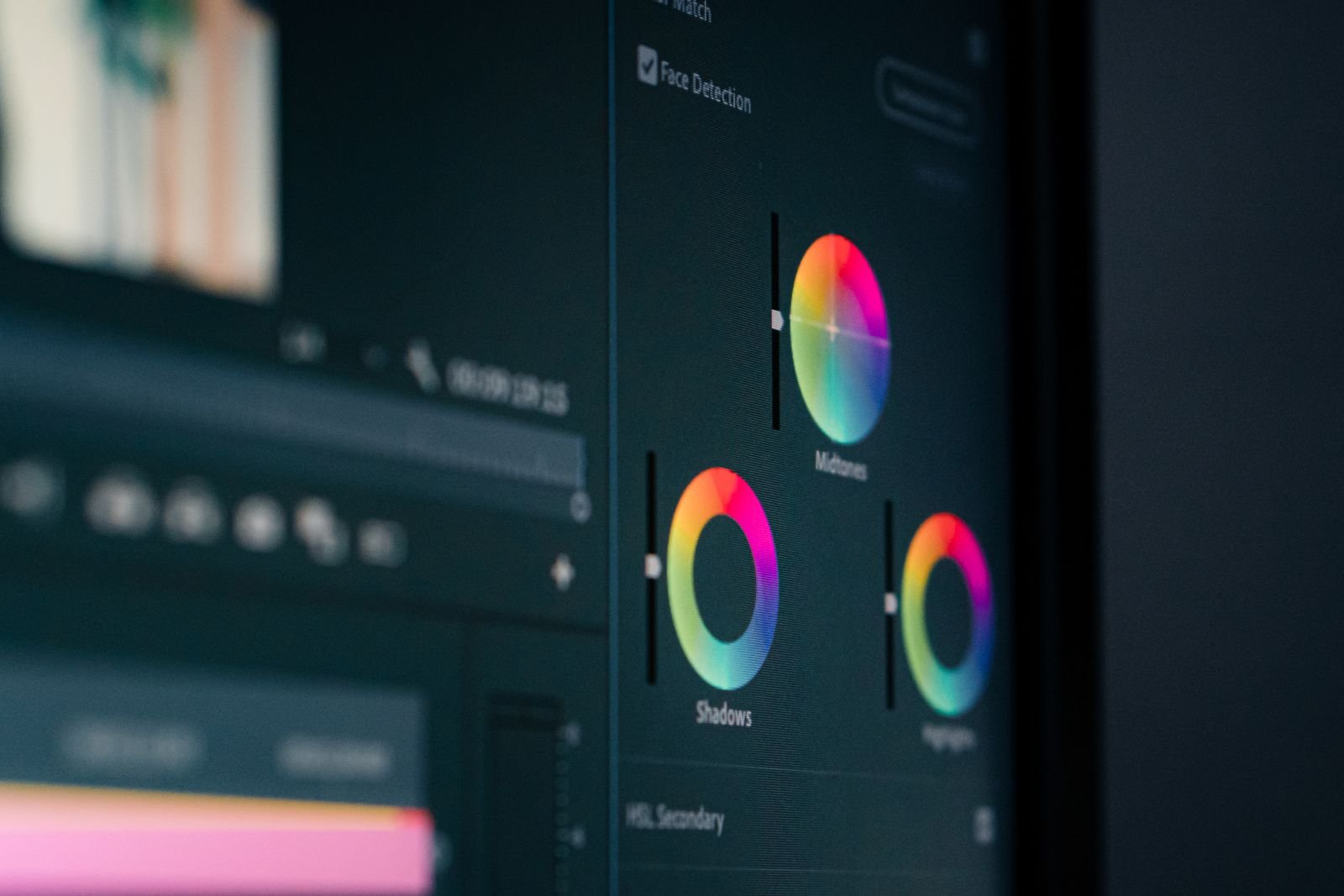
Here’s the short version: the free DaVinci Resolve is the most capable free video editor you can put on a Mac, full stop. Studio costs $295 once (no subscription, ever) and unlocks the DaVinci Neural Engine AI tools, everything above 4K, proper noise reduction, and a pile of extra ResolveFX. On Apple Silicon, that $295 buys you more than it does on a PC, because the AI features run on the Neural Engine baked into your M-series chip instead of hammering the GPU.
We’ve been running both versions side by side on an M2 MacBook Air and an M4 Pro MacBook Pro since Resolve 19, and the gap between free and Studio has actually grown with each release. Resolve 21 (the current version as of mid 2026) put almost all of the new AI toys behind the Studio license. So the question isn’t really “is the free version good” (it is), it’s “which of the locked features would you actually use”.
What the free version gives you (it’s a lot)
The free version isn’t a trial and it doesn’t watermark anything. You get the full edit page, the complete color grading toolset with nodes and scopes, Fusion for motion graphics, and Fairlight for audio. That’s the same core engine Hollywood colorists use.
The practical limits on a Mac:
- Export tops out at 4K UHD and 60fps. You can edit on bigger timelines, but delivery is capped.
- No Neural Engine AI features. Magic Mask, Smart Reframe, UltraNR noise reduction, voice isolation, the transcription-based tools… all Studio.
- Single GPU only. Irrelevant on Apple Silicon since your Mac has one GPU anyway, so this classic Studio selling point means nothing here.
- Some ResolveFX are locked (film grain, lens flares, face refinement, motion blur, and friends show a small icon until you pay).
One nice Mac-specific detail: the free version still gets hardware accelerated H.264 and H.265 encoding through Apple’s media engine. On Windows, hardware encoding is a Studio feature, so Mac users get faster exports for free. Before you worry about any of this, make sure your machine can handle Resolve comfortably in the first place; our guide on whether your MacBook can run DaVinci Resolve breaks it down chip by chip.
Free vs Studio on Mac: the feature table
| Feature | Free | Studio ($295) |
|---|---|---|
| Price | $0 | $295 one-time |
| Max export resolution | 4K UHD, 60fps | 32K, up to 120fps |
| Edit, Color, Fusion, Fairlight pages | Yes, fully | Yes |
| DaVinci Neural Engine (AI tools) | No | Yes |
| Magic Mask, Smart Reframe, Depth Map | No | Yes |
| UltraNR + temporal/spatial noise reduction | No | Yes |
| AI transcription, text-based editing, AI subtitles | No | Yes |
| Hardware H.264/H.265 encoding (Mac) | Yes | Yes |
| 10-bit 4:2:2 H.264/H.265 support | Limited | Full |
| HDR grading tools (Dolby Vision, HDR10+) | No | Yes |
| Film grain, lens flare, face refinement FX | No | Yes |
| Stereoscopic 3D and immersive video | No | Yes |
| Watermark | None | None |
A few of the fine-print items shift slightly between releases, so treat the table as the July 2026 state of play on Resolve 21. The headline items (4K cap, AI tools, noise reduction) have been stable for years.
The Apple Silicon angle: why Studio is a better deal on a Mac
This is the part most comparison articles skip. Blackmagic ported the DaVinci Neural Engine to use Apple’s Neural Engine and GPU through Metal, which means the AI features that would bring a midrange PC to its knees run surprisingly well on ordinary M-series Macs.
In practice, on my M4 Pro these Studio features feel close to instant:
- Magic Mask. Rotoscoping a person used to be an afternoon of work. Now you draw one stroke and Resolve tracks the mask through the clip. Resolve 20 and 21 made it faster and noticeably stickier on hair and motion.
- Smart Reframe. Turns 16:9 into vertical 9:16 while keeping the subject centered. If you post to TikTok or Reels, this alone can justify the license.
- UltraNR noise reduction. The single biggest image-quality upgrade for anyone shooting low light. It leans on the Neural Engine, so even a fanless MacBook Air can apply it without melting.
- Transcription and text-based editing. Resolve transcribes your footage on-device and lets you cut by deleting words. Blackmagic’s SuperScale Enhanced upscaler also got roughly 2.5x faster on the Apple Neural Engine in the late 20.x updates, and 21 keeps pushing in that direction.
Studio also unlocks full 10-bit 4:2:2 H.265 handling, which matters if you shoot on cameras like Sony or Fujifilm mirrorless bodies that record 10-bit internally. Apple Silicon decodes those files in dedicated hardware, so Studio plus an M-chip is the smoothest way to edit them natively.
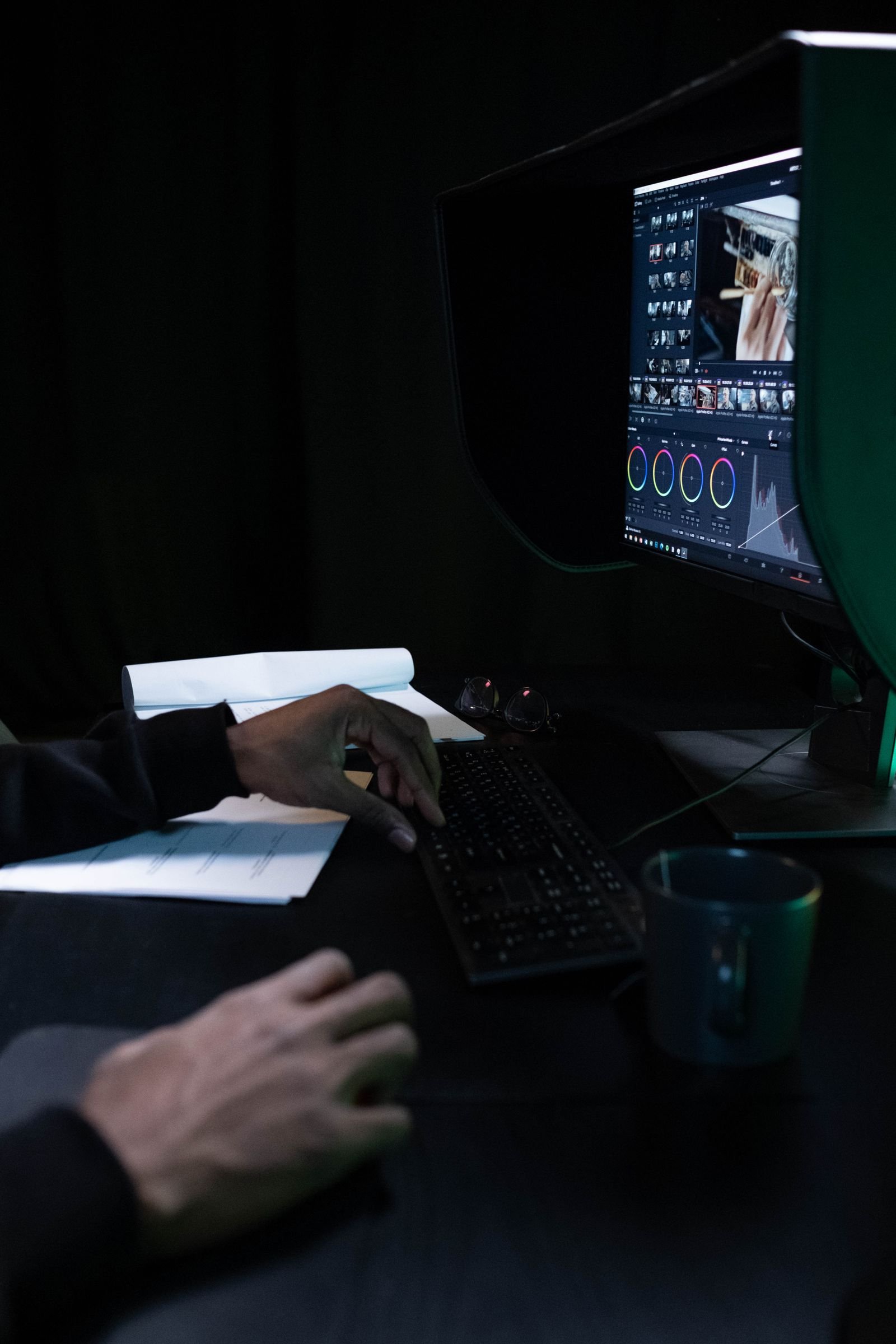
What you don’t need Studio for
Honestly, a lot. YouTube caps most viewing at 4K anyway. If you’re cutting talking-head videos, family projects, or client work delivered in 4K or below, the free version will carry you for years. Color grading is not gated: every node, curve, and scope is in the free build. Fusion titles, keyframes, speed ramps, multicam… all free.
The free version is also identical in terms of system requirements, so nothing about performance changes when you pay. If you want to see how Resolve compares to what else is out there before committing either way, our roundup of the best Mac video editing software puts it in context, and we’ve done a dedicated Final Cut Pro vs DaVinci Resolve face-off for people torn between the two.
Verdict: who should pay the $295
- Hobbyists and YouTubers delivering 4K or less: stay free. Upgrade only when a locked feature actually blocks you.
- Social media editors: buy Studio. Smart Reframe plus AI subtitles pays for itself in a month of vertical content.
- Low-light shooters (weddings, events, concerts): buy Studio. UltraNR is that good.
- Anyone shooting 10-bit H.265 mirrorless footage: buy Studio for full 4:2:2 support.
- Podcast and interview editors: buy Studio for transcription and text-based editing. Cutting by deleting words is a genuine workflow change.
- Intel Mac owners: careful. Resolve 21 dropped Intel Macs entirely, so you’d be buying into 20.x as your ceiling. Check our Resolve system requirements by version table before spending anything.
One more thing worth knowing: the Studio license includes future major versions. People who bought Studio for Resolve 15 are still getting free upgrades in 21. Amortized over years, it’s one of the best deals in creative software.
For setup tips, performance tuning, and what to expect from Resolve on different Macs, our full DaVinci Resolve on Mac guide is the place to start.
FAQ
Is DaVinci Resolve Studio a subscription?
No. It’s $295 once, tied to your Blackmagic account or a license dongle, and it covers future major versions. There’s no monthly plan and no cloud lock-in.
Does the free version of DaVinci Resolve add a watermark on Mac?
No. Exports from the free version are clean. The only time you’ll see a watermark is on Studio-only effects you preview without a license.
Do AI features run locally on Apple Silicon?
Yes. Magic Mask, transcription, UltraNR and the rest run on-device using your M-chip’s Neural Engine and GPU. No internet connection or cloud processing is required for the core AI tools.
Can I move a project from free to Studio later?
Yes, seamlessly. Projects open in either version. If a free-version user opens your Studio project, Studio-only effects simply show as unavailable until a license is present.